 For Client Support:


 Blog Details
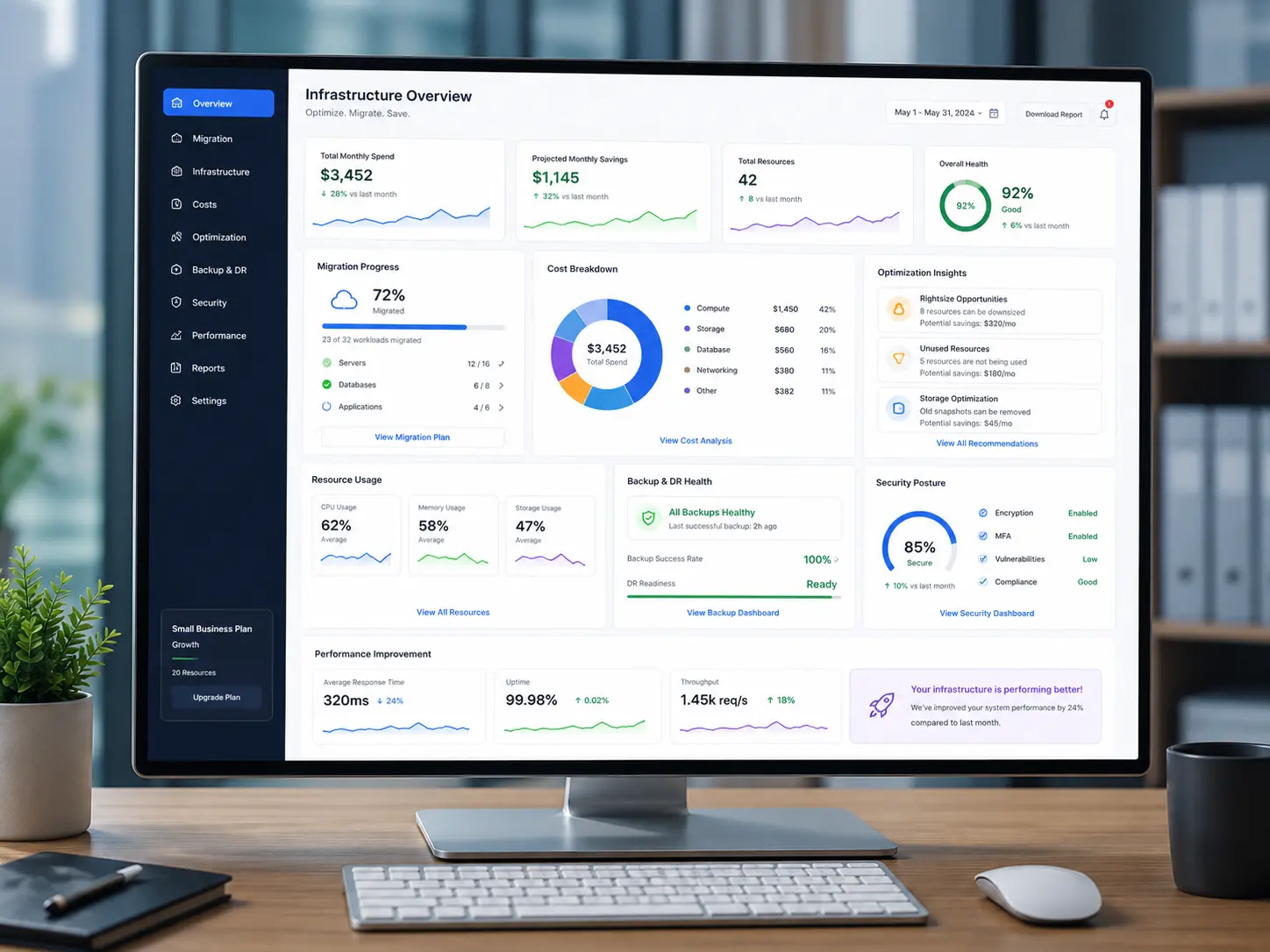

Businesses evaluating aws ec2 website hosting need practical guidance that accounts for security, cost, maintainability, and customer experience. This guide from Cloud Technology Computing explains the decisions and implementation checks that matter most.
What Is Amazon EC2?
Amazon Elastic Compute Cloud (EC2) provides virtual servers that businesses can configure for websites, applications, and supporting services. Unlike a managed website builder, an EC2 instance gives an administrator control over the operating system, packages, web server, and deployment workflow.
Plan the Hosting Architecture
A small PHP website can run on an Amazon Linux instance with Apache, PHP, and MariaDB. Plan the instance size, storage, network access, backups, domain records, and monthly budget before migration. Separate production credentials from application source code.
Secure the Linux Server
Use SSH key authentication, restrict inbound ports in security groups, keep packages patched, and enable HTTPS with a valid certificate. Do not expose the database port to the public internet unless there is a documented, tightly controlled requirement.
Migrate PHP and Database Content
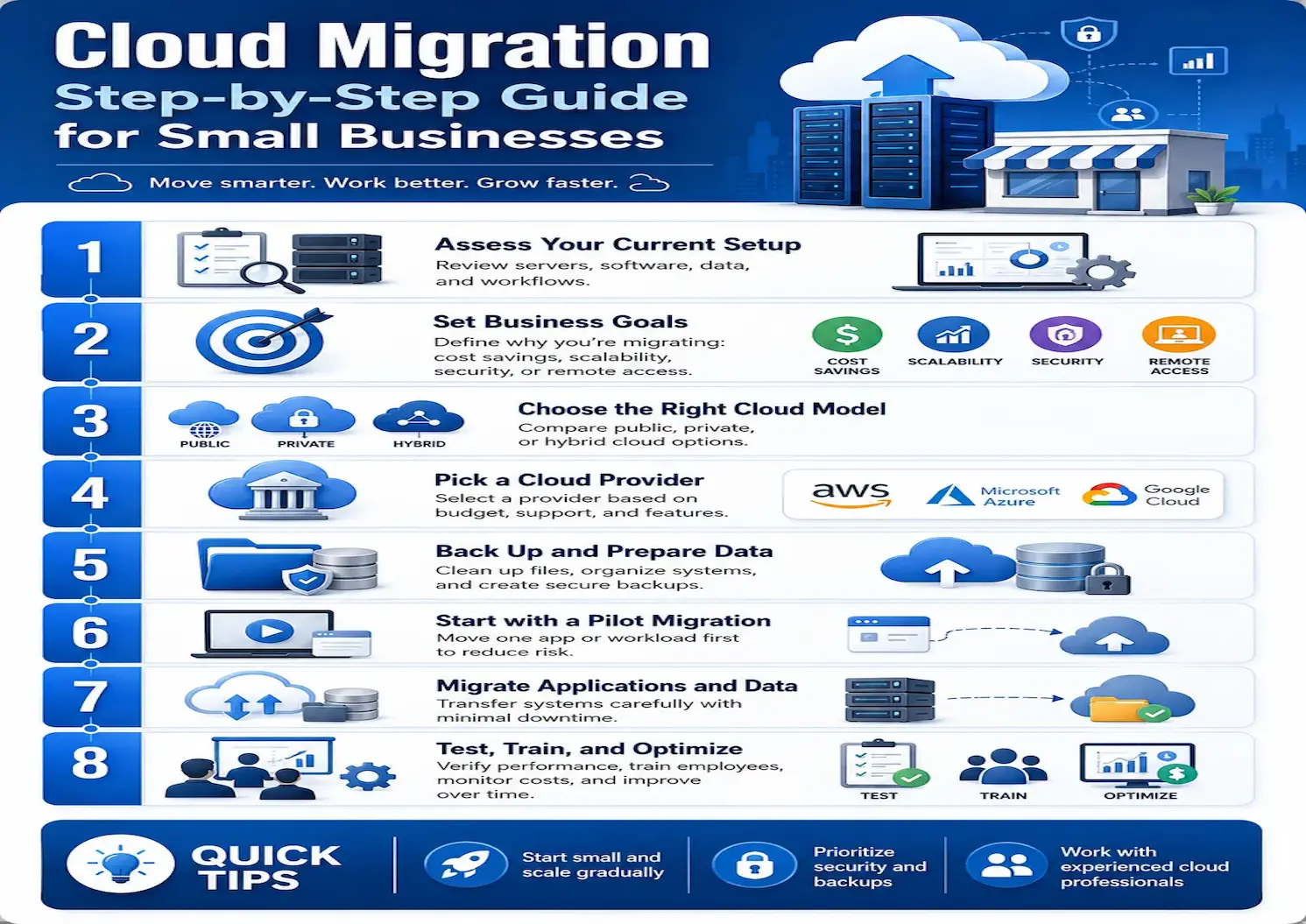
Back up the website and export the database first. Restore files and SQL on the new instance, update environment-specific configuration, and verify file ownership. Test clean URLs, Apache rewrite rules, database connectivity, image paths, contact forms, and any chatbot endpoints.
Validate Before DNS Cutover
Test the destination using a temporary hostname or hosts-file override. Check redirects, certificate coverage, PHP errors, Apache logs, and mobile layouts. Lower DNS TTL in advance where appropriate, and keep a rollback copy until the migration is stable.
Control Ongoing Costs
Track instance charges, EBS volumes, data transfer, backups, and optional load balancers or CDN services. Set AWS Budgets alerts and review utilization before resizing. EC2 is flexible, but it is not automatically cheaper than shared hosting.
Next Steps
Document your current systems, prioritize the highest-impact improvements, and test changes before production deployment. For help planning cloud infrastructure, custom software, or website optimization, contact Cloud Technology Computing.

0 Comments