 For Client Support:


 Blog Details
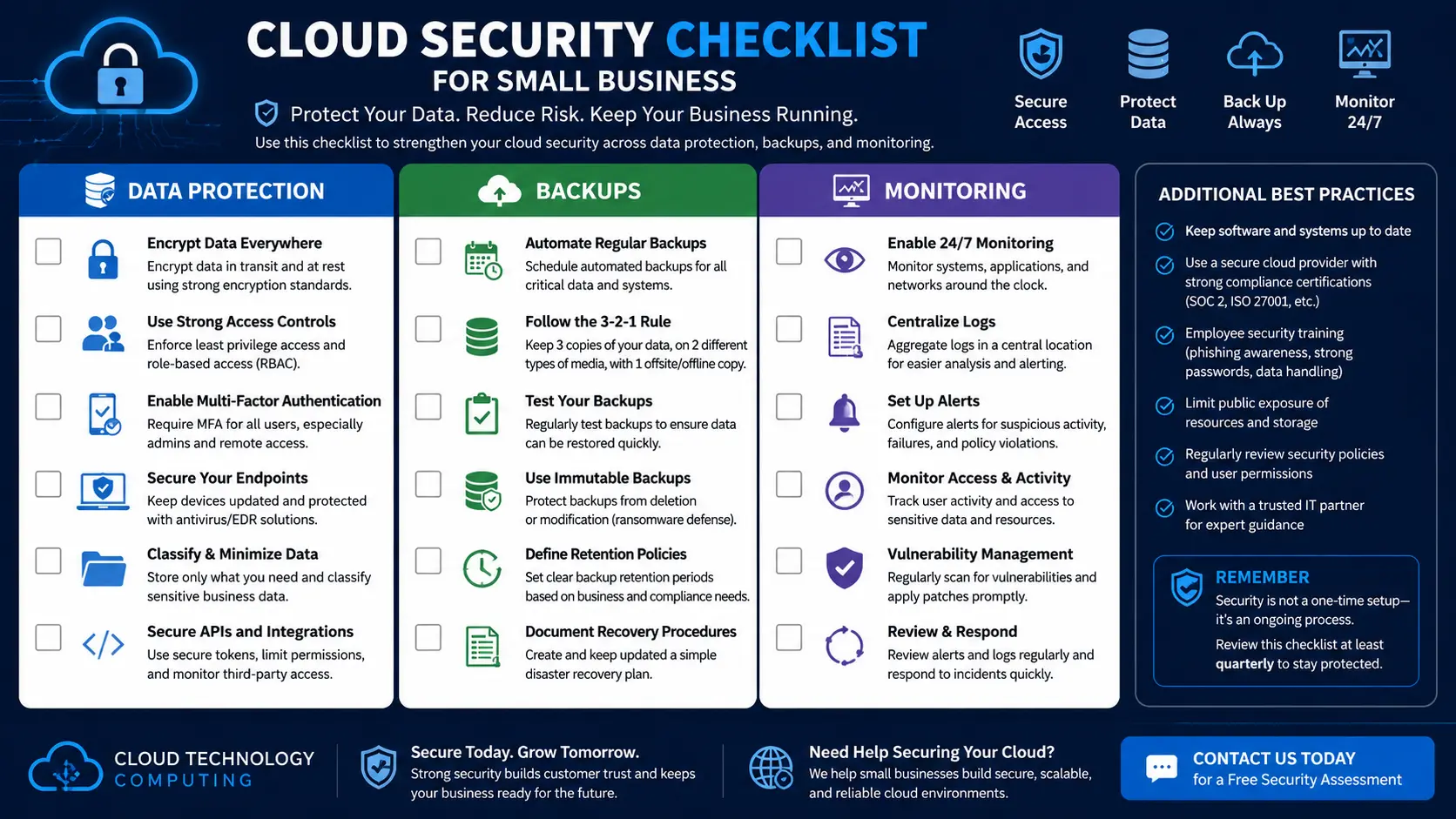

Cloud Security Checklist for Small Business Data Protection
Cloud computing can make small businesses more flexible, efficient, and scalable. But cloud systems must be secured correctly. Moving to the cloud does not automatically protect your data.
Small businesses need a cloud security checklist to reduce risk, protect customer information, and keep operations running.
Why Cloud Security Matters
Small businesses store customer records, payment information, employee files, contracts, emails, business documents, website data, and financial records in the cloud. If that data is exposed or lost, the business can suffer serious damage.
Cloud Security Checklist
1. Use Multi-Factor Authentication
Multi-factor authentication adds another layer of protection beyond a password. Use MFA for email, cloud dashboards, admin accounts, website logins, and financial software.
2. Use Strong Password Policies
Require long passwords, unique passwords, password manager usage, and no shared admin passwords.
3. Limit Admin Access
Use the principle of least privilege. Users should only have access to the systems they need for their job.
4. Back Up Important Data
Back up websites, databases, documents, email, cloud storage, business applications, and customer data. Test backups regularly.
5. Encrypt Sensitive Data
Use encryption for cloud storage, databases, backups, website traffic, and file transfers.
6. Monitor Cloud Activity
Track login attempts, failed logins, admin changes, file sharing activity, new user accounts, and permission changes.
7. Update Software Regularly
Keep websites, plugins, servers, operating systems, cloud applications, and security tools updated.
8. Secure Your Website
Your website should use HTTPS, strong admin passwords, limited admin accounts, secure hosting, spam protection, backups, and monitoring.
9. Create an Incident Response Plan
Your business should know who to contact, what systems are affected, how to restore service, and where backups are stored.
10. Review Third-Party Apps
Check app permissions, vendor access, integrations, unused apps, and data sharing settings.
Final Thoughts
Cloud security is not a one-time task. It is an ongoing process that includes prevention, monitoring, backups, updates, and planning.
Need help protecting your business data? Contact Cloud Technology Computing for a cloud security consultation.
0 Comments