 For Client Support:


 Blog Details
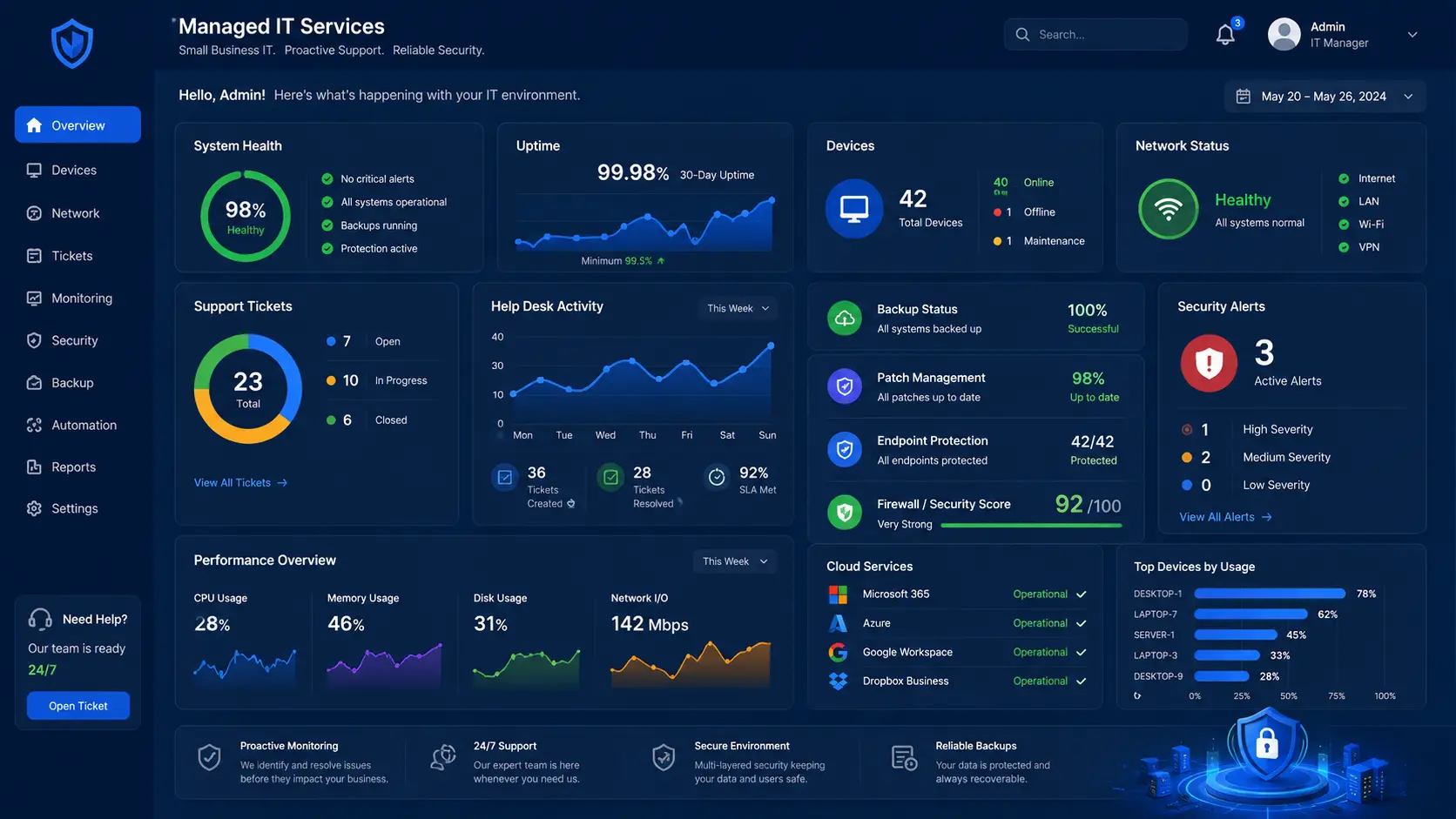

Managed IT Services for Small Businesses: When to Stop Doing Tech Alone
Many small business owners handle technology themselves at first. That works until the website breaks, email stops working, backups fail, a plugin causes an error, ads send traffic to a slow page, or customer data becomes difficult to manage.
Managed IT services help small businesses keep technology running without hiring a full internal IT department too early.
What are managed IT services?
Managed IT services are ongoing technology support, monitoring, maintenance, troubleshooting, and planning. For a small business, this can include cloud hosting, website updates, backups, cybersecurity, analytics, email support, software help, and technical guidance.
Signs your business needs managed IT support
- You lose time fixing website or hosting problems.
- You do not know if your backups work.
- Your website is slow or goes down unexpectedly.
- You need help with cloud migration or hosting.
- You are worried about security and data protection.
- You have no clear process for updates or monitoring.
- You want better analytics and reporting.
Why managed IT helps small businesses grow
Technology should support revenue, not distract from it. Managed IT support gives business owners more time to focus on customers, sales, operations, and service delivery. It also creates a stronger technical foundation for marketing and automation.
Managed IT and cloud services work together
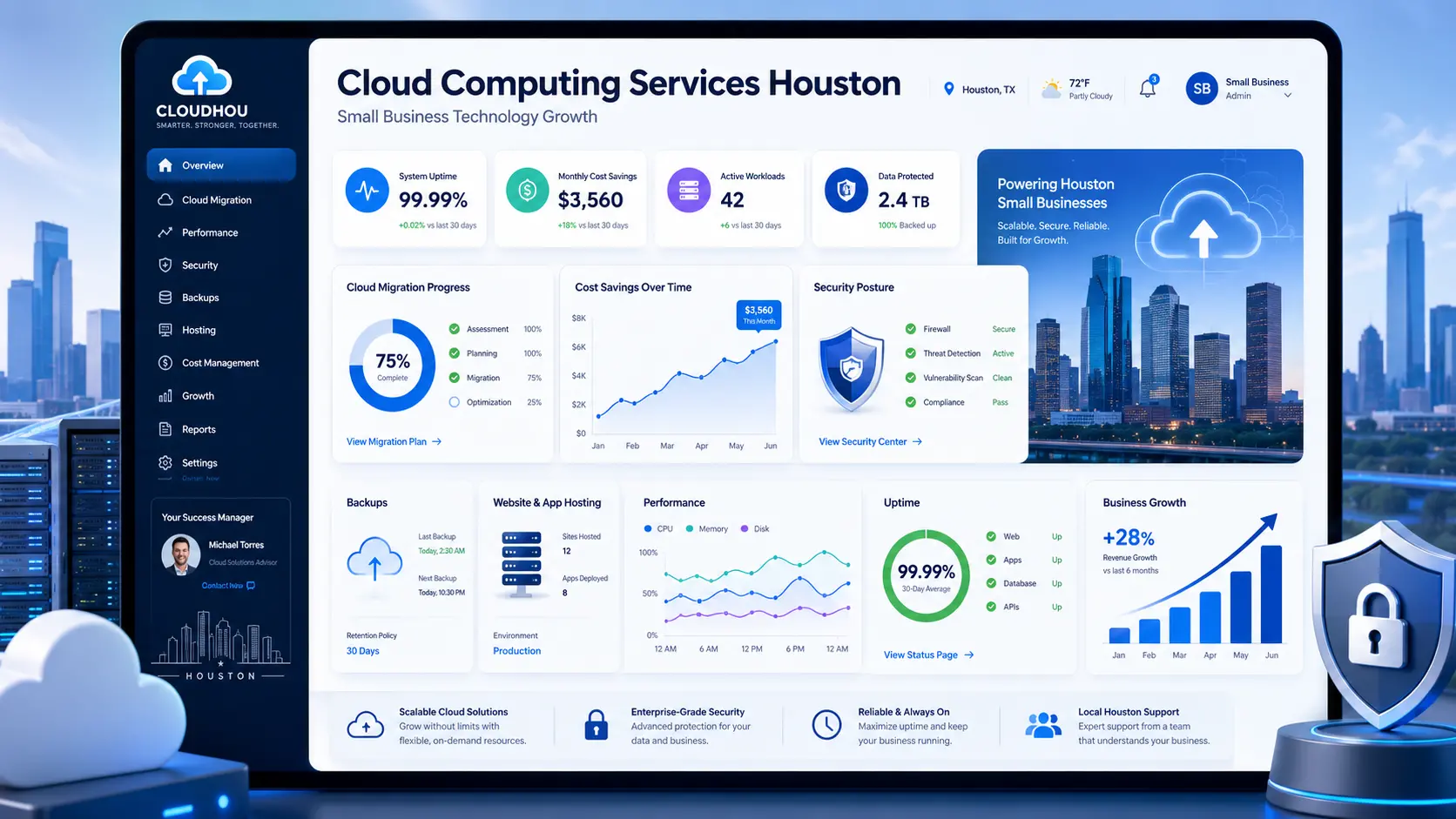
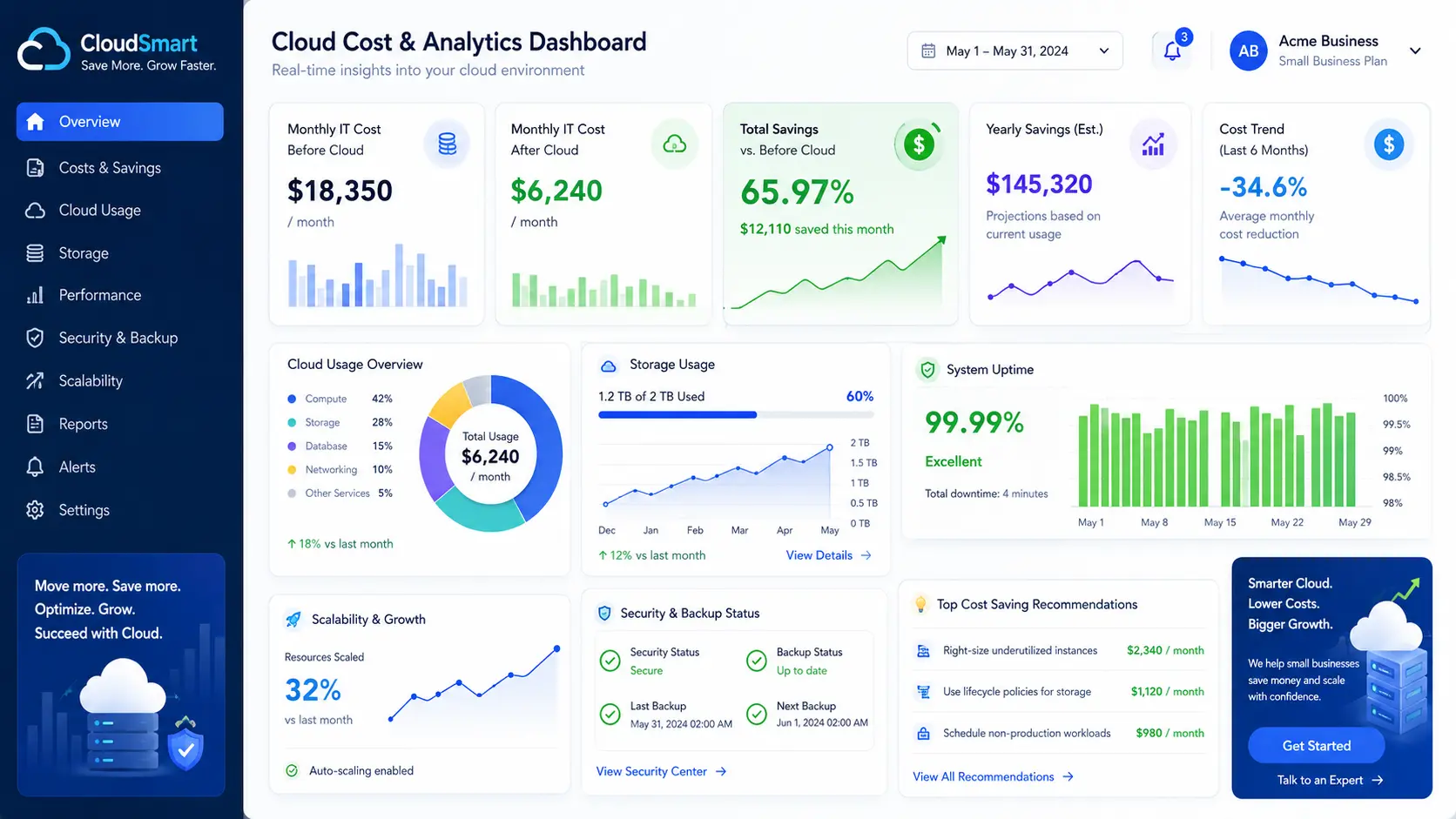
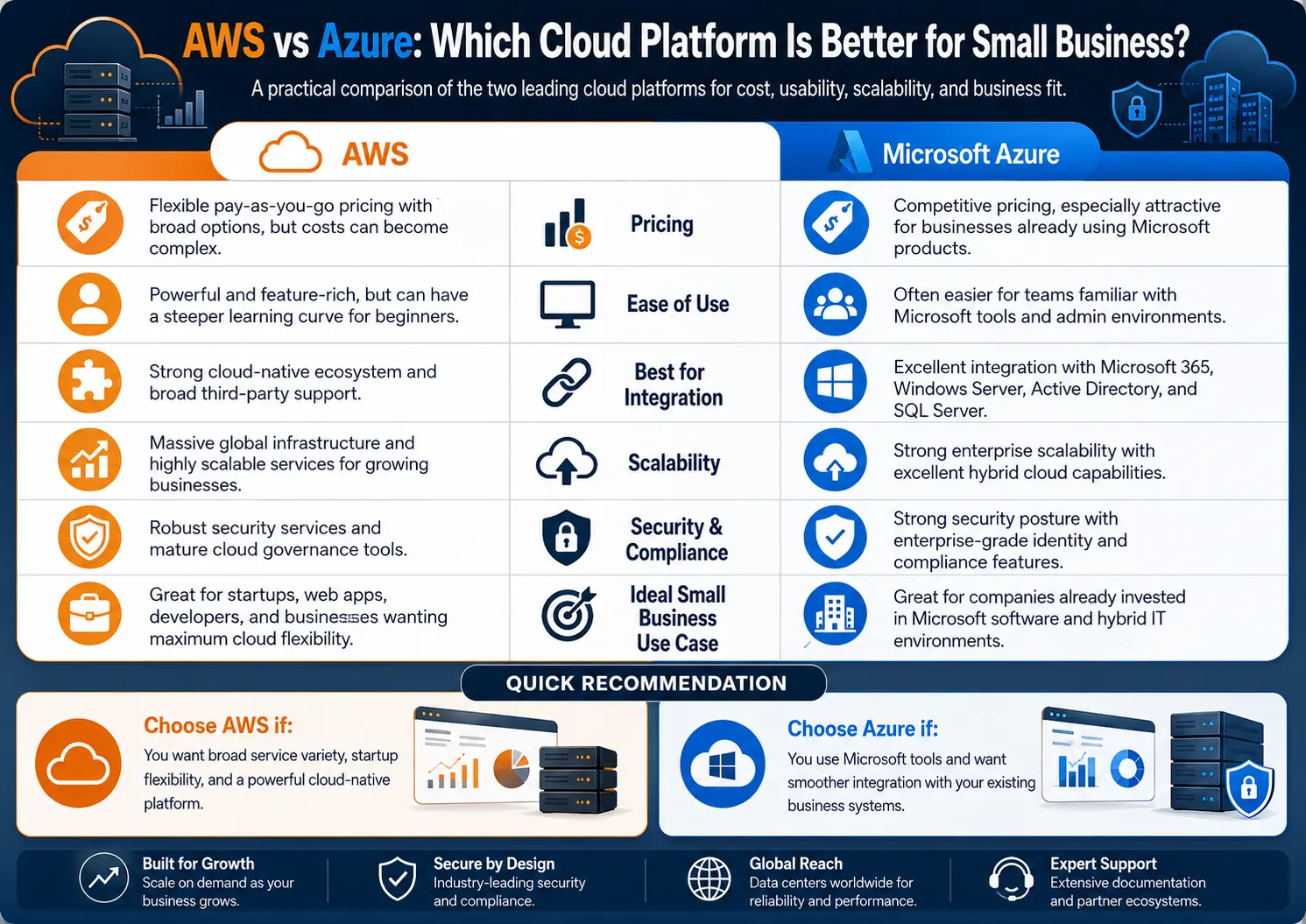
Modern IT support often includes cloud systems. Your website, storage, analytics, backups, forms, apps, and AI tools may all depend on cloud infrastructure. A managed cloud support plan helps keep those systems secure, updated, and performing well.
Learn more about Managed IT Services for Small Businesses and Managed Cloud Services.
What should be included in a basic support plan?
- Website uptime monitoring.
- Security updates and maintenance.
- Cloud hosting review.
- Backup checks.
- Performance optimization.
- Basic troubleshooting.
- Monthly reporting.
- Consulting for future improvements.
Do not wait until something breaks
Reactive IT is expensive because problems usually happen at the worst time. Proactive support helps prevent downtime, security issues, missed leads, and poor customer experience.
Final takeaway
Managed IT services are not only for large companies. They help small businesses protect systems, reduce stress, improve reliability, and support growth with expert technical guidance.
Need Reliable IT Support?
Cloud Technology Computing provides managed IT, managed cloud hosting, website support, SEO technical fixes, and business technology consulting.
Click here to explore managed IT services or book a free consultation.
0 Comments