 For Client Support:


 Blog Details
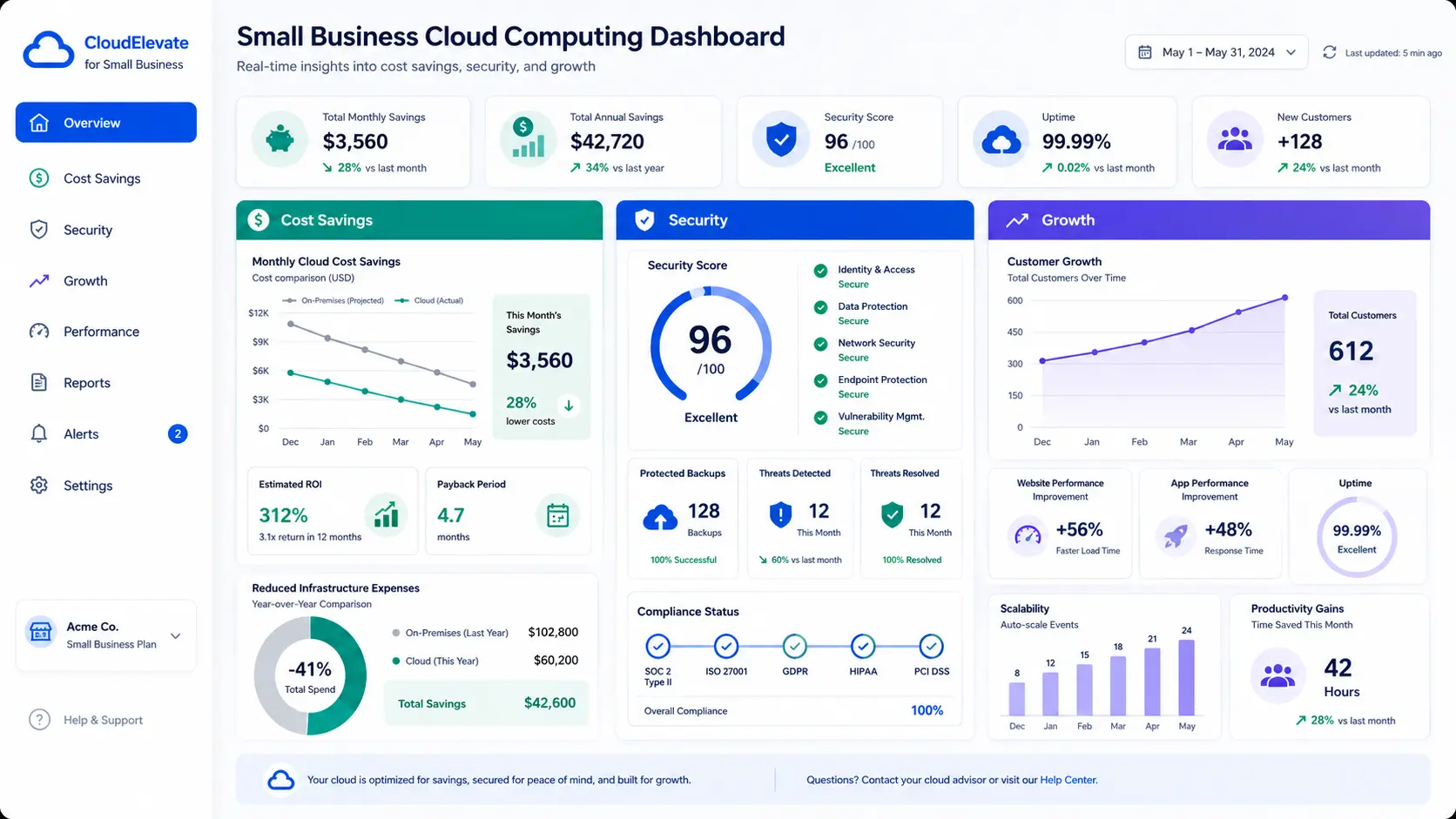

Cloud Computing for Small Businesses: 9 Ways to Cut Costs and Grow Faster
Cloud computing is no longer only for large enterprises. Small businesses use cloud services every day for websites, email, backups, storage, payments, analytics, security, customer support, and software applications. The advantage is simple: you can access modern technology without buying and maintaining expensive infrastructure.
If your business depends on a website, customer data, online forms, ecommerce, remote work, or digital marketing, cloud computing can improve performance and reduce technical stress.
1. Reduce hardware and maintenance costs
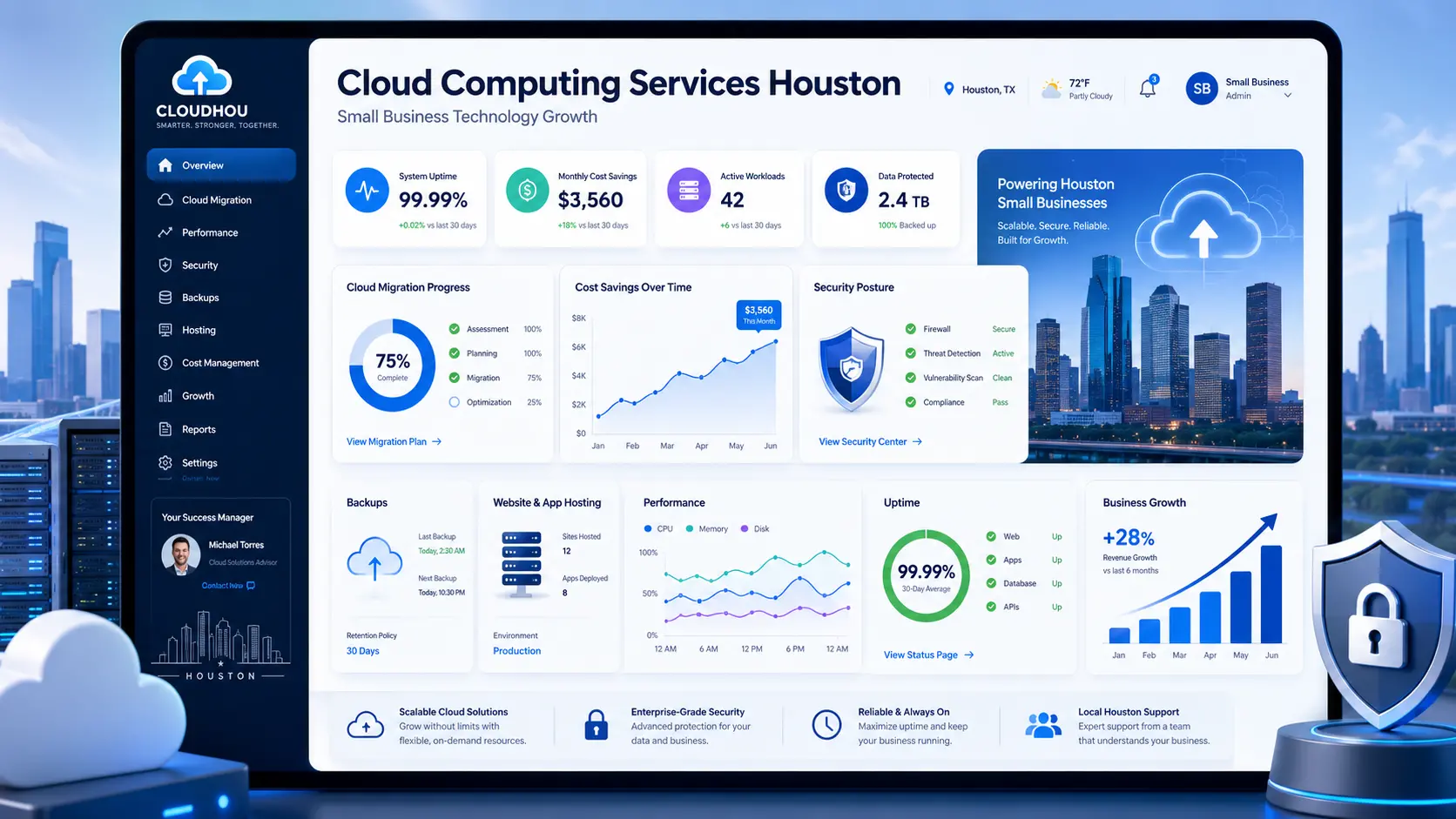
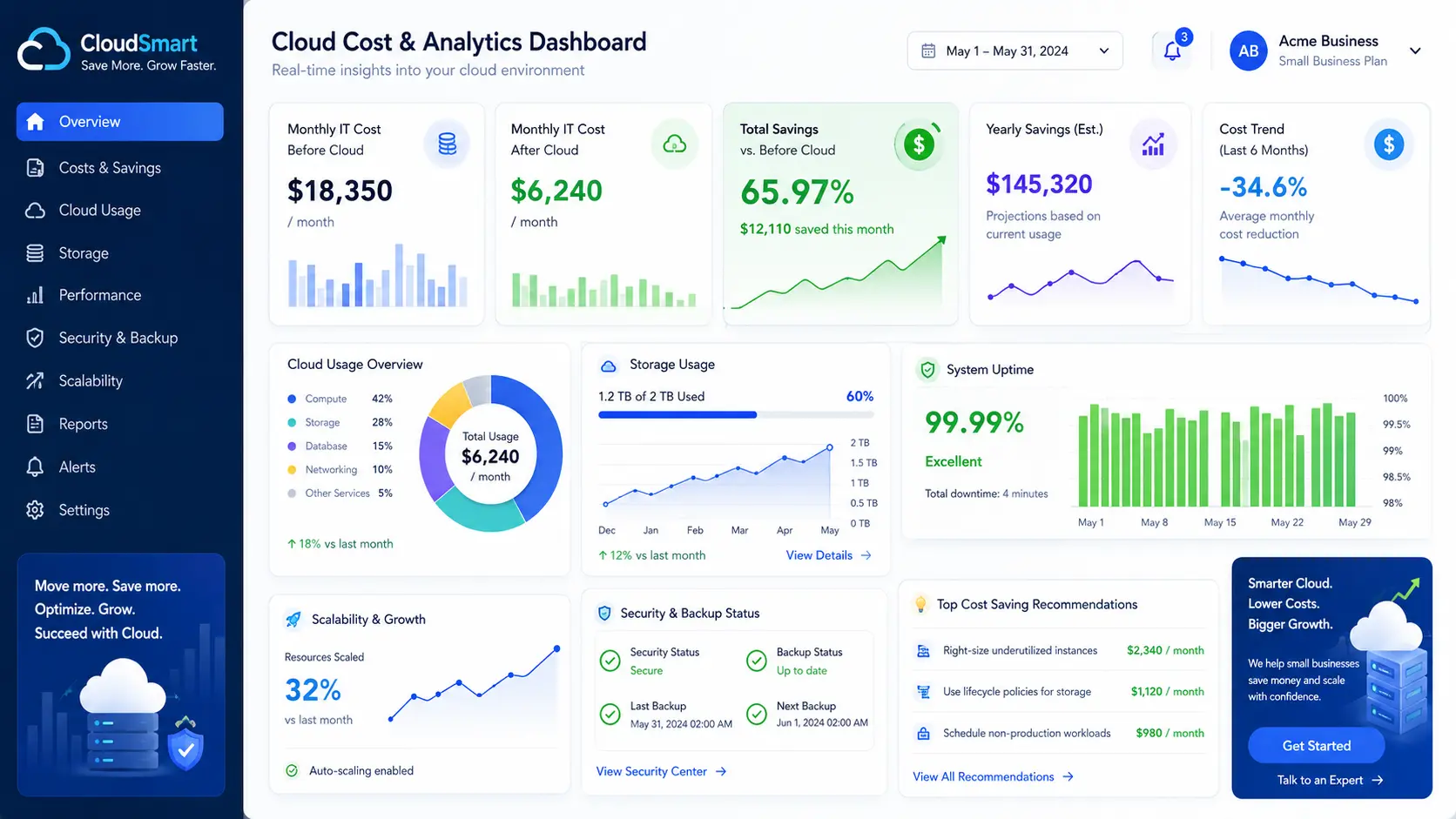
Traditional technology often requires servers, replacement parts, office space, power, cooling, and manual maintenance. Cloud infrastructure moves much of that burden to providers and managed service partners. You pay for what you need and scale when demand changes.
2. Improve website speed and uptime
A slow website can hurt trust and reduce conversions. Cloud hosting can improve reliability through scalable resources, caching, backups, monitoring, and better deployment practices. A faster site supports SEO, user experience, and lead generation.
3. Protect business data with backups
Many small businesses only think about backups after something goes wrong. Cloud backup solutions help protect website files, databases, customer forms, images, documents, and application data. Backups should be automated, tested, and stored securely.
4. Support remote work and mobile access
Cloud services make it easier for teams to access files, dashboards, applications, and communication tools from different locations. This is especially useful for service businesses, consultants, contractors, and growing companies that need flexibility.
5. Scale during busy seasons
Your website may get more traffic during promotions, holidays, launches, or ad campaigns. Cloud platforms make it easier to increase capacity without rebuilding everything from scratch. That means your site can support growth instead of becoming a bottleneck.
6. Improve security controls
Cloud security does not happen automatically, but cloud platforms provide tools for encryption, access control, monitoring, firewalls, alerts, and identity management. With the right setup, small businesses can apply stronger protection than they could afford with unmanaged systems.
7. Make analytics easier
Cloud-based analytics tools help businesses understand traffic, conversions, customer behavior, search visibility, campaign performance, and sales trends. This makes decisions less emotional and more measurable.
8. Launch AI and automation tools
Cloud infrastructure powers AI chatbots, workflow automation, reporting dashboards, document processing, customer response systems, and lead capture tools. Small businesses can use automation to save time and respond faster.
9. Get expert support without hiring a full IT department
Managed cloud services give small businesses access to planning, deployment, monitoring, security, troubleshooting, and optimization. That support can be more affordable than hiring a full-time internal team too early.
What should a small business move to the cloud first?
Start with the systems that affect revenue and reliability: website hosting, email, backups, analytics, customer forms, payments, and security monitoring. After the foundation is stable, move into automation, dashboards, and advanced integrations.
Final takeaway
Cloud computing helps small businesses reduce cost, improve speed, protect data, and compete with larger companies. The key is choosing practical solutions instead of buying technology you do not need.
Ready to Move Your Business to the Cloud?
Cloud Technology Computing helps small businesses with cloud migration, managed hosting, backups, security, AI automation, and web performance.
Click here to explore cloud computing for small businesses or book a free consultation.
0 Comments