 For Client Support:


 Blog Details
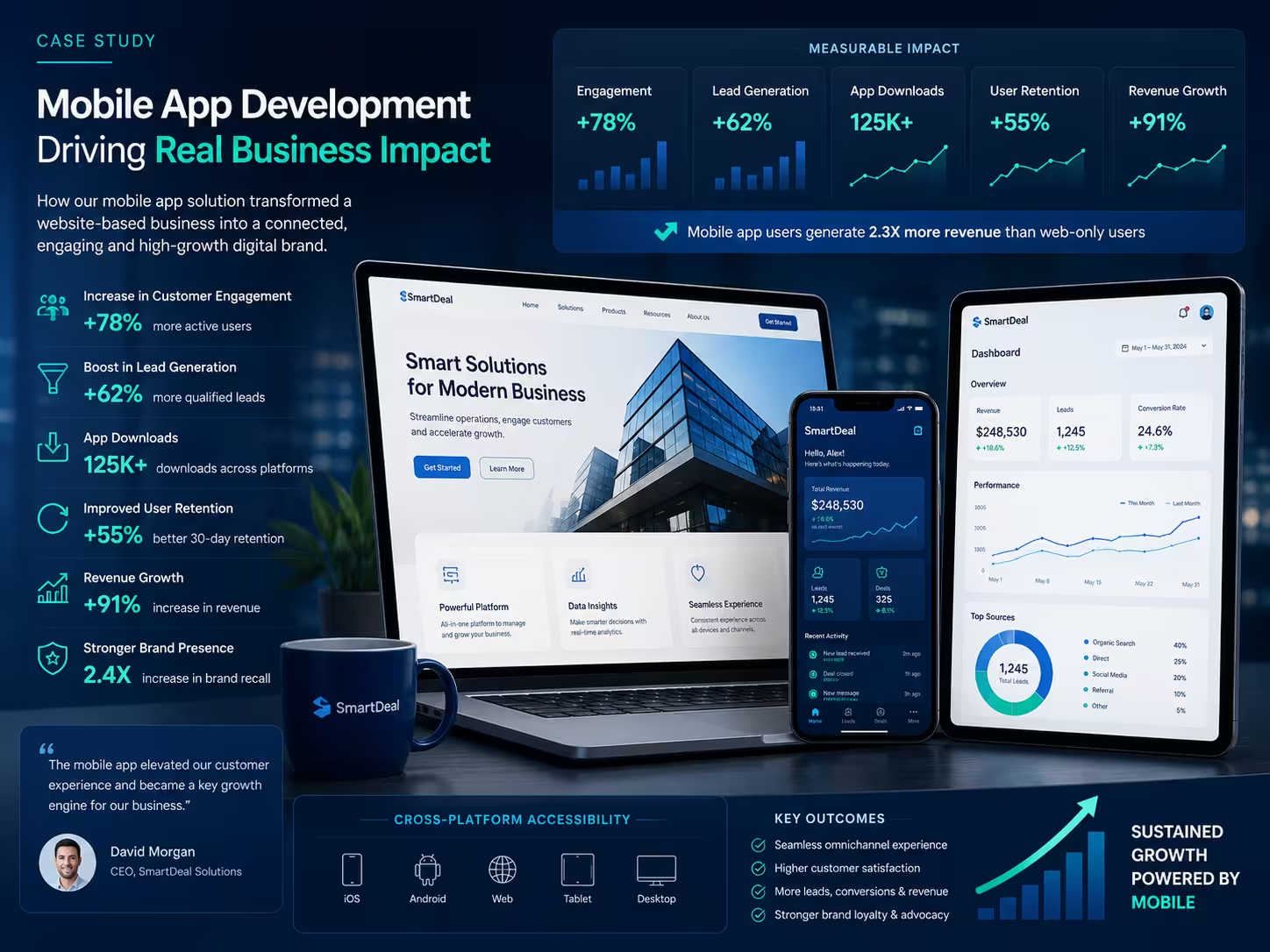

Mobile app development for business websites can extend an existing digital platform into a more focused iOS and Android experience. The right approach depends on what the app must do. A business that needs push notifications, device features, offline workflows, or frequent customer use may need a different architecture from a company that mainly wants convenient access to an existing portal.
Before selecting native, hybrid, or WebView development, define the user value. An app should make an important task faster, easier, more reliable, or more accessible than the current mobile website.
Start With the Business Use Case
- Customers need quick access to accounts, appointments, orders, documents, or support.
- Employees need a mobile workflow for field work, inspections, inventory, or reporting.
- The business wants push notifications for useful, permission-based updates.
- Users need offline access or device features such as camera, location, or secure storage.
- A customer portal already exists and needs a clearer mobile experience.
- The website receives repeat mobile traffic that would benefit from app-style navigation.
Native Mobile App Development
Native apps are built specifically for iOS or Android using the platform’s preferred languages and frameworks. They can provide strong performance, deeper device integration, and a user interface tailored to each platform.
Native development is often appropriate for complex interactions, offline behavior, background tasks, advanced notifications, hardware access, or products where the mobile app is a central part of the business. Building and maintaining separate platform implementations can require more time and budget.
Hybrid or Cross-Platform Development
Cross-platform frameworks share a substantial portion of code across iOS and Android while still producing installable apps. This approach can reduce duplication and speed delivery for many business applications.
The team should still test platform-specific behavior, navigation, permissions, accessibility, and performance. Shared code does not remove the need to respect iOS and Android user expectations.
WebView App Development
A WebView app displays web content inside a native application shell. It can be practical when the business already has a responsive web application and needs a focused wrapper, app navigation, secure login flow, or limited native integrations.
A basic wrapper around an ordinary website may not provide enough value. The website should be fast, mobile-friendly, reliable, and designed for app navigation. External links, file downloads, payments, authentication, error states, and offline behavior require deliberate handling.
Cloud Technology Computing offers WebView app development for iOS and Android and broader mobile app development for business websites.
How to Choose the Right Approach
Choose native when
- The app requires advanced device capabilities or high-performance interactions.
- Offline operation is central to the workflow.
- The product depends on a platform-specific experience.
- The business can support separate platform testing and maintenance.
Choose cross-platform when
- The app needs meaningful native features on both iOS and Android.
- The business wants to share code while keeping an app-focused interface.
- The team can test and adapt platform-specific behavior.
Choose WebView when
- The core product already works well as a responsive web application.
- The app mainly needs convenient access, app navigation, and selected native features.
- The business wants a faster first release and accepts the limitations.
- The website can be improved to deliver a polished mobile experience.
Features That Create Real App Value
- Secure customer login and account access.
- Saved preferences and personalized dashboards.
- Useful push notifications with clear permission controls.
- Appointment, order, ticket, or project status.
- Camera uploads, document capture, or barcode scanning.
- Offline drafts and synchronization for field workflows.
- Fast support access and structured service requests.
- Mobile payments or subscription management where appropriate.
Prepare the Website Before Building the App
A website-based app inherits many website problems. Fix slow pages, small tap targets, broken navigation, insecure forms, intrusive popups, and layouts that do not fit mobile screens. Ensure authentication, sessions, external links, downloads, and payment flows work safely on mobile.
Security and Privacy
Protect API traffic with HTTPS, store tokens securely, limit permissions, validate data on the server, and avoid embedding secrets in the app. Collect only necessary information and explain how data is used. Account recovery and session expiration should be tested carefully.
App Store Preparation
- Choose final app names, bundle identifiers, and package identifiers early.
- Prepare icons, screenshots, descriptions, support information, and privacy details.
- Test on multiple device sizes and operating-system versions.
- Handle offline states, permission denials, expired sessions, and unavailable services.
- Review current platform guidelines before submission and respond carefully to review feedback.
Maintenance After Publishing
Mobile apps require ongoing testing as iOS, Android, devices, certificates, libraries, websites, and APIs change. Plan for crash monitoring, analytics, security updates, store listings, customer feedback, and a release process.
Frequently Asked Questions
Can any website become a mobile app?
Technically many websites can be wrapped, but a useful app needs mobile performance, clear navigation, secure behavior, and a reason for users to install it.
Is a WebView app cheaper than native development?
It can reduce initial development when the website already provides most functionality. Cost still depends on app features, website readiness, authentication, native integrations, testing, and publishing support.
Do I need both iOS and Android?
Choose based on the target audience, budget, and business workflow. Some organizations launch one platform first, validate demand, and expand later.
Turn Your Website Into a Better Mobile Experience
Cloud Technology Computing can evaluate your website, recommend native, cross-platform, or WebView development, and prepare the app for testing and publication.
Book a free consultation with Cloud Technology Computing to discuss your goals, current systems, and next best step.
0 Comments