 For Client Support:


 Blog Details
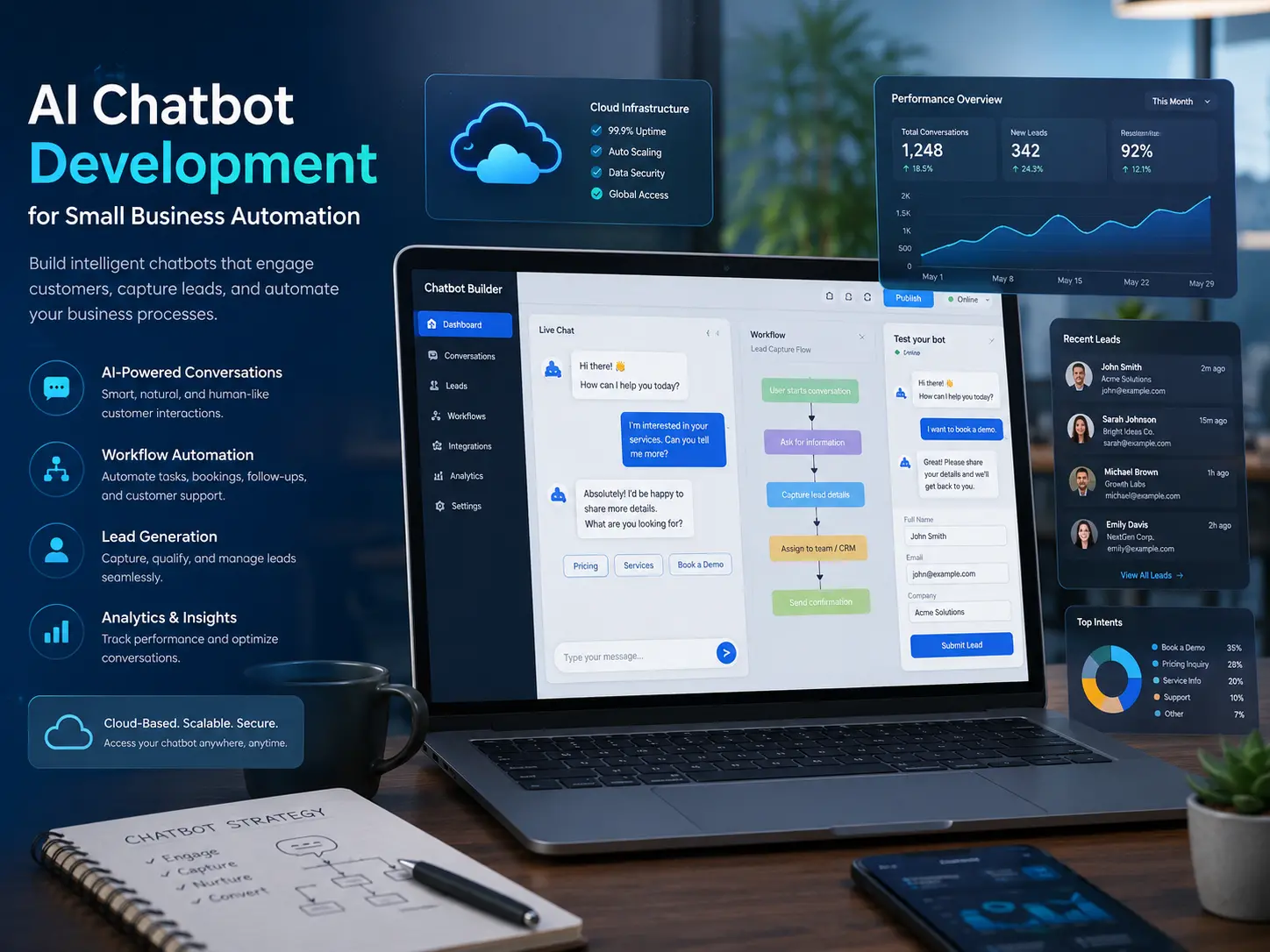

AI automation for small business should remove repetitive work, improve response time, and help employees make better decisions. It should not begin with a vague goal to “use AI.” Start with one measurable workflow: missed leads, repeated questions, slow quote intake, manual data entry, or reports that take hours to prepare.
The best early projects keep humans in control, use approved data, and solve a problem the team already understands. The following use cases can be implemented individually and connected over time.
1. Website Question Answering
An AI chatbot can answer common questions about services, locations, hours, process, pricing ranges, and next steps. It should use business-approved information, identify uncertainty, and offer a clear path to a person.
2. Lead Qualification
A conversational form can collect service type, timeline, budget, location, and contact details. The system can summarize the request and route it to the right person instead of sending every inquiry into one inbox.
3. Quote and Project Intake
AI can organize unstructured customer descriptions into a consistent project brief. The business should still review scope and pricing, but the intake process becomes faster and more complete.
4. Appointment and Consultation Requests
Automation can gather preferred times, service details, and contact information before connecting to a scheduling workflow. Clear confirmation and rescheduling instructions reduce back-and-forth communication.
5. Lead Follow-Up Drafts
AI can draft personalized follow-up messages based on the inquiry and prior conversation. A human should review important sales, legal, financial, or sensitive communication before it is sent.
6. Customer Support Triage
Incoming support requests can be classified by topic and urgency. The system can suggest troubleshooting steps, request missing information, and escalate billing, security, or outage issues according to defined rules.
7. Email and Document Summaries
Long customer threads, meeting notes, and internal documents can be summarized into decisions, action items, deadlines, and unresolved questions. Use approved tools and avoid sending confidential data to systems that are not authorized for it.
8. CRM Data Entry
Automation can extract names, companies, services, and next actions from forms or messages and prepare structured CRM records. Validation is important because incorrect contact or deal data can create confusion later.
9. Content Repurposing
A long article or webinar can become draft social posts, email sections, short-video scripts, FAQ answers, and internal sales notes. The business should add experience, examples, and brand voice instead of publishing generic output unchanged.
10. Internal Knowledge Search
Employees can search approved policies, service descriptions, procedures, and technical documentation through a conversational interface. Answers should link back to the source so the user can verify the full context.
11. Reporting and Trend Summaries
AI can summarize website inquiries, customer questions, ticket categories, sales notes, and campaign results. The value comes from connecting the summary to decisions such as which service page needs improvement or which support issue should be fixed at the root.
12. Workflow Handoffs
AI can prepare the next step when work moves from sales to delivery, support to engineering, or marketing to operations. A structured handoff can include the customer goal, promised scope, files, risks, dates, and owner.
How to Choose the First Automation
- Select a task that happens often and follows recognizable steps.
- Measure the current time, delay, error rate, or missed opportunity.
- Avoid beginning with high-risk decisions that require expert judgment.
- Use a small set of trusted data and define what the AI must not do.
- Require human approval until the workflow is proven.
- Track whether the automation improves response time, completion, quality, or conversion.
AI Automation Architecture for a Website
A practical website automation may connect a chat or form interface to server-side code, an AI model, a business database, email, analytics, and a CRM. The server should validate requests, protect API keys, limit abuse, log failures, and store only the information the business actually needs.
Cloud Technology Computing builds AI automation for small businesses and AI chatbots for business websites with lead capture, human handoff, and database integration.
Privacy and Security Questions to Answer
- What customer or employee data enters the AI system?
- Is that data needed for the task?
- Where are prompts, files, and responses stored?
- Who can review conversations and logs?
- How can a user reach a human?
- What happens when the AI is uncertain or wrong?
- How are API keys, webhooks, and database credentials protected?
A Four-Week Pilot Plan
- Week 1: map the current workflow, define success, and prepare approved content.
- Week 2: build a limited prototype with logging and human review.
- Week 3: test real scenarios, edge cases, privacy controls, and handoffs.
- Week 4: launch to a small audience, measure results, and improve based on actual conversations.
Frequently Asked Questions
Will AI automation replace employees?
The most practical small-business projects assist employees by handling repetitive steps, preparing information, and improving response time. People remain responsible for judgment, relationships, exceptions, and high-risk decisions.
Does AI automation require a large budget?
Not always. A focused workflow can begin with one form, chatbot, or reporting process. Cost grows with integrations, data preparation, volume, security, and custom features.
How do we measure return on investment?
Compare the old and new workflow using response time, staff hours, lead completion, error rate, customer satisfaction, and revenue outcomes. A useful automation should improve at least one important measure without creating unacceptable risk.
Automate One Valuable Workflow
Cloud Technology Computing can identify a practical first use case, build the website or business integration, and measure whether the automation produces real value.
Book a free consultation with Cloud Technology Computing to discuss your goals, current systems, and next best step.
0 Comments